LuxPower Light
1 / 5

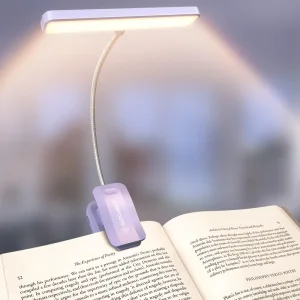
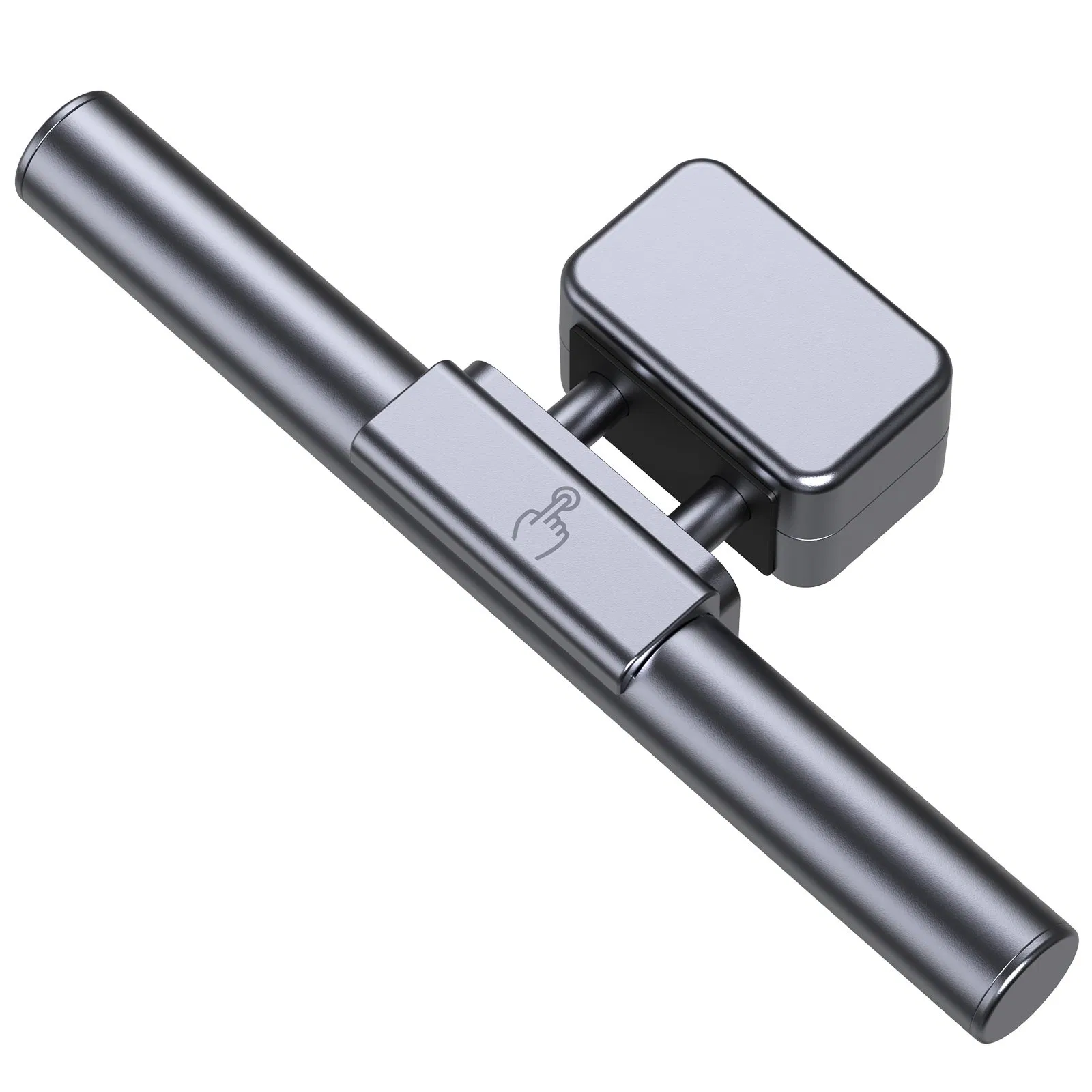
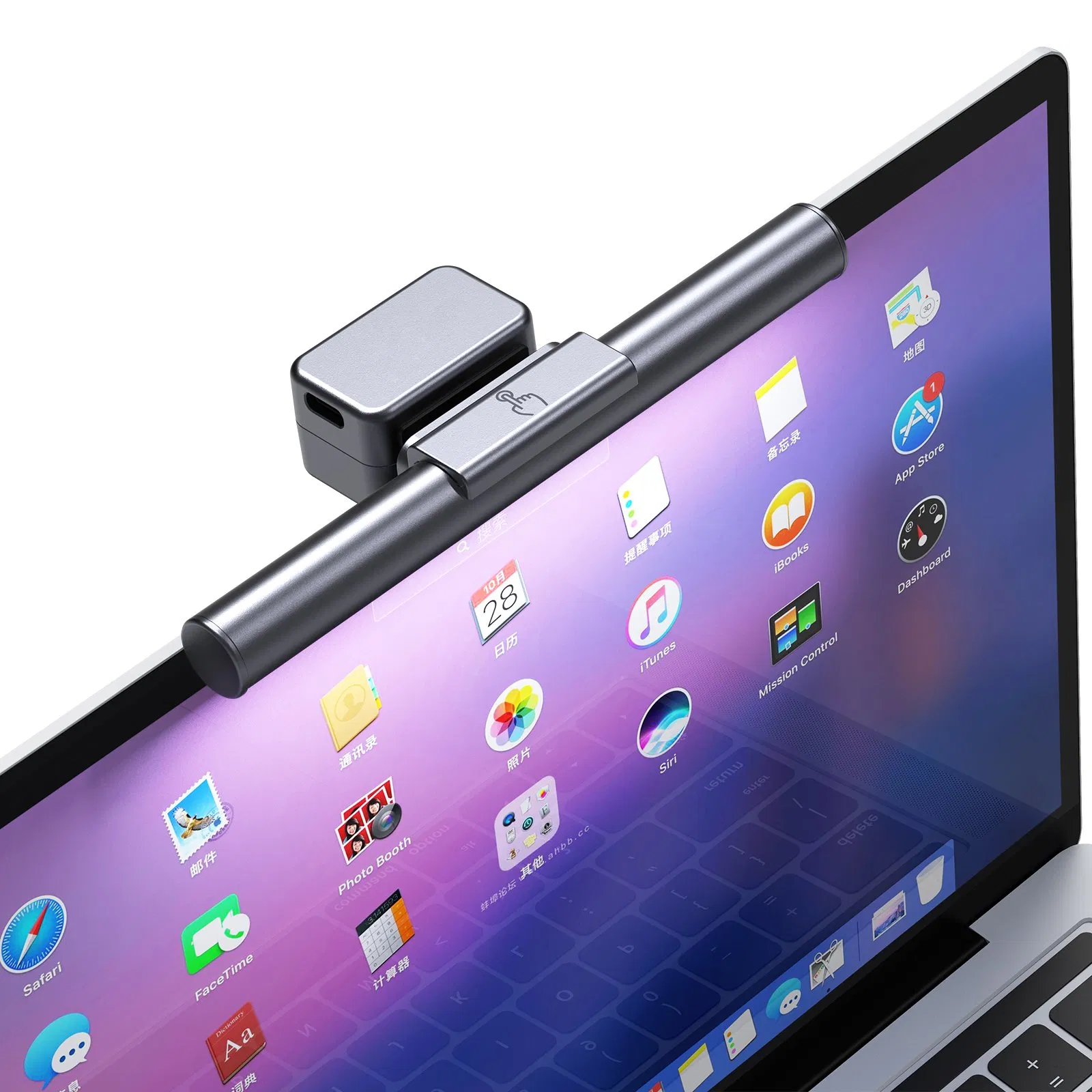
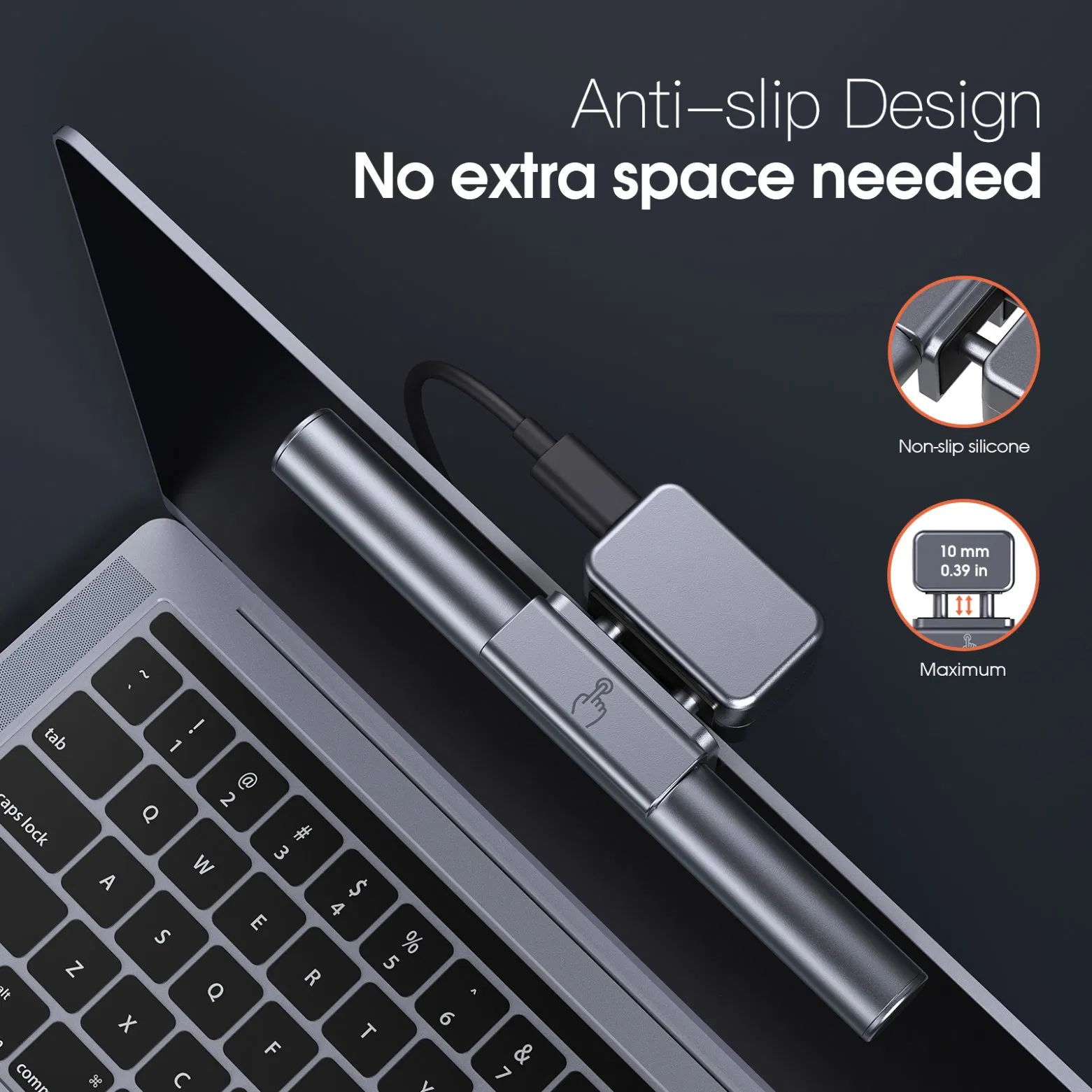
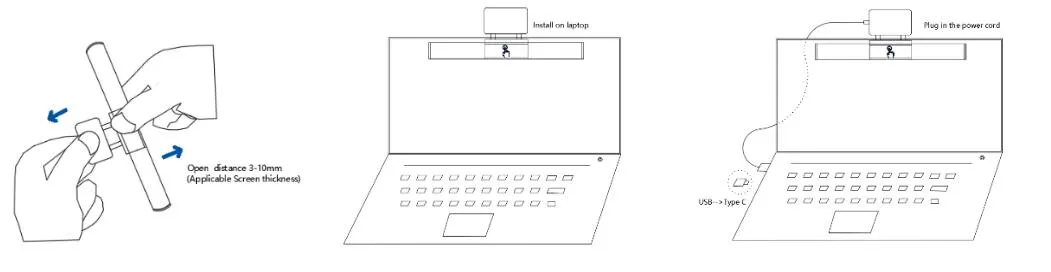
1 Pull lamp by hands with a maximum distance of 10mm. (Fits screen thickness 3-10mm).
2 Install lamp on the frame of the screen, ensuring no gap between clip and screen.
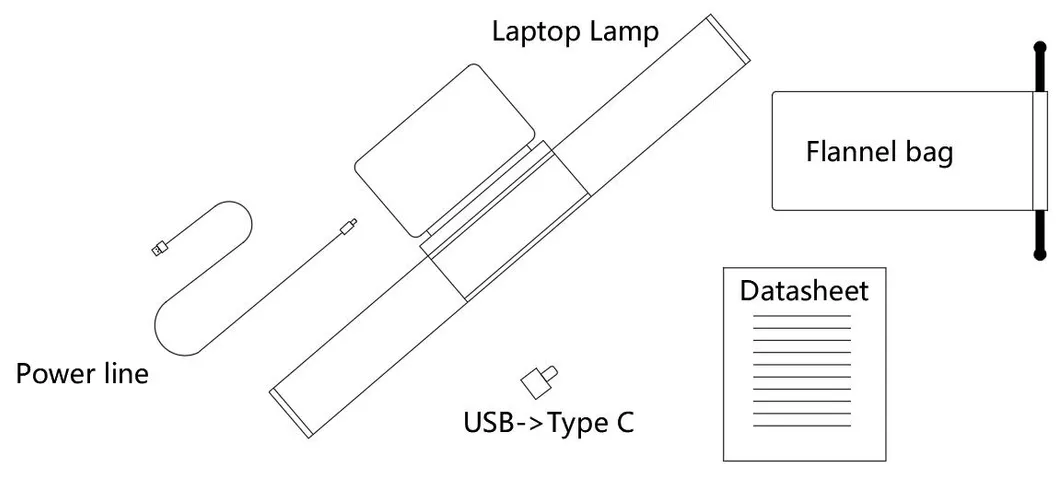
3 Plug Type C into the lamp and USB into the laptop port (or use the provided adapter).
Cleaning: Turn off and unplug first. Use a soft, lint-free cloth with a little diluted neutral detergent. Do not use alcohol, kerosene, or chemical solvents.
Troubleshooting: If the lamp does not work, verify the USB cable connection is correct and the power source meets the 5V/1A requirement.
| Model | AT-LTL01 |
| Voltage | DC 5V, 1A |
| Max Power | 3W |
| Size | L 143 * W 44 * H 24 mm |
| Net Weight | 61g |
| Package Size | 176 * 68 * 42 mm |